Outmake is a free Mac app for running AI models on your own Mac. Chat, make pictures and videos, code and talk, with no account.
In a paragraph
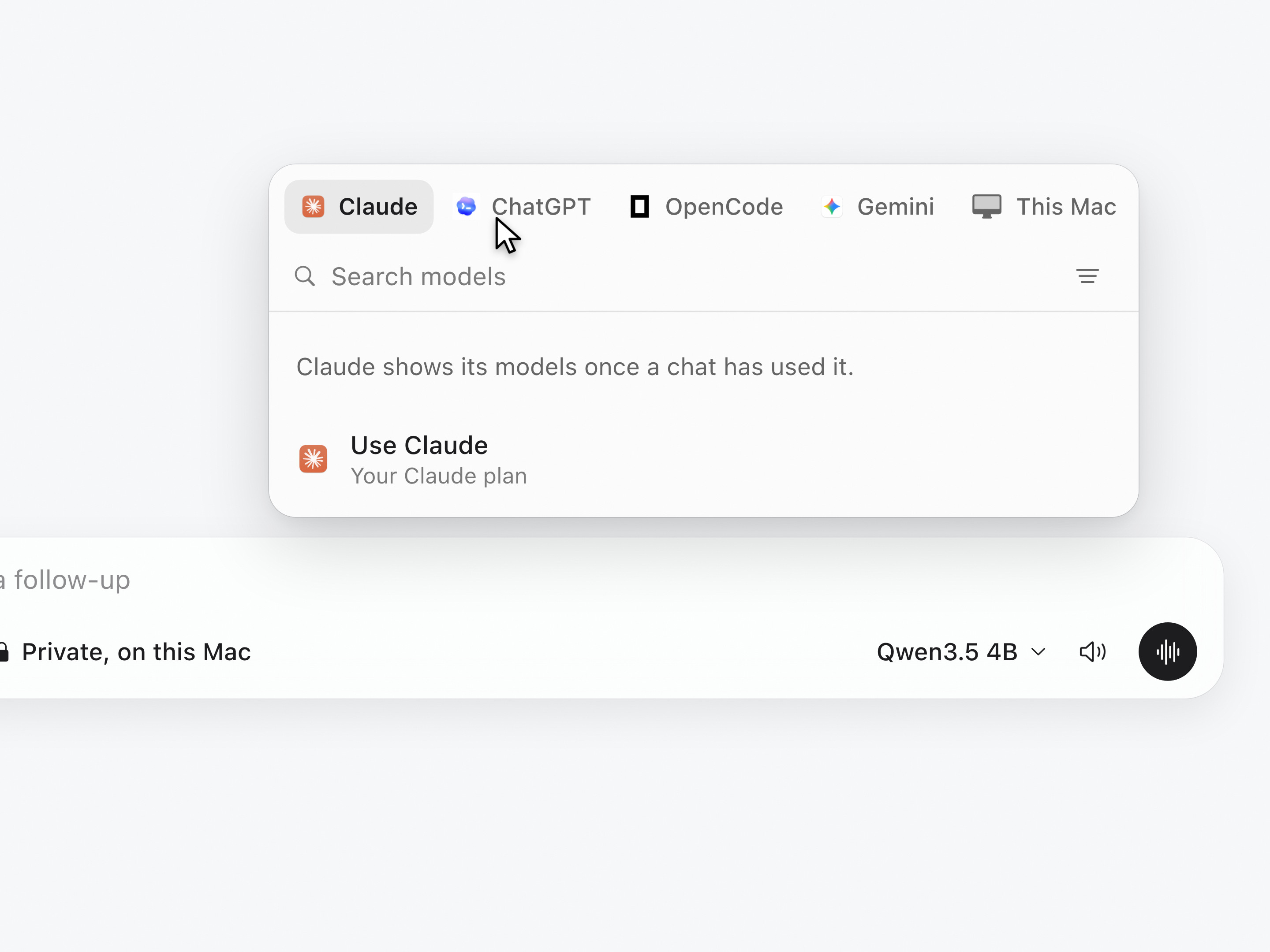
Outmake is a Mac app that runs open AI models on the Mac itself, so a chat, a picture or a video can stay on the machine that made it. It lives in the notch and opens into a full window. It shows which models fit a Mac before anything is downloaded, makes and edits pictures and videos, listens and speaks, and works with Claude, ChatGPT, Gemini and OpenCode for people who use them. Outmake is free and needs no account. It is made by Ambedo Labs in Utah, and runs on macOS 26 or later with Apple silicon.
The name is Outmake: a capital O, the rest lowercase.
A quote
Local models are pretty mid right now. But they will keep getting better and more efficient on the computers people already own. My goal with Outmake is to make local AI accessible to everyone, or at least to myself. I built it mostly for me, so I figured I'd release it to everyone for free.
Dane Bentley, who made Outmake
Worth knowing
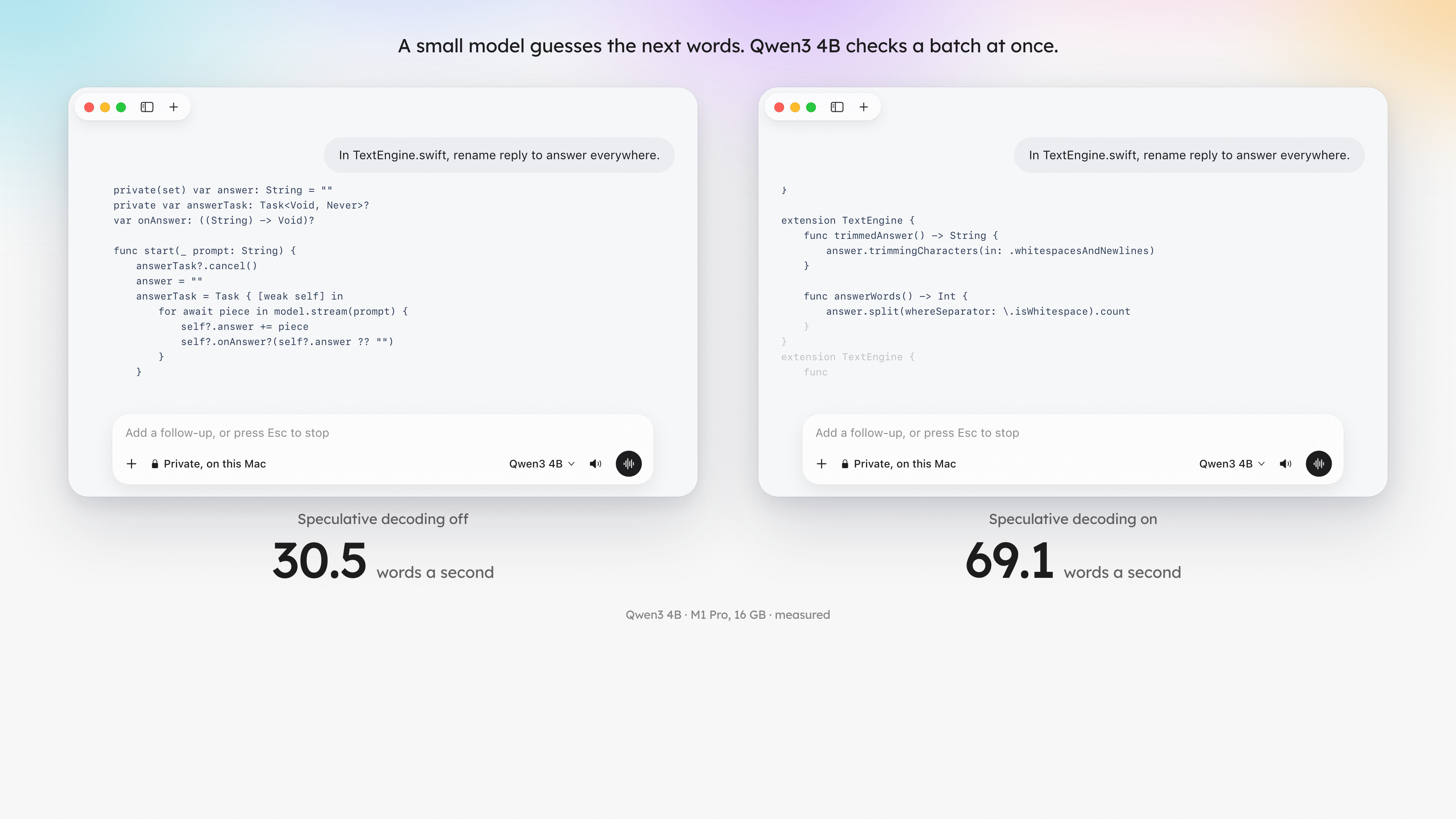
2.3×faster with speculative decoding. A small model guesses the next words and a bigger one checks a batch at once, which took a code edit from 30.5 to 69.1 words a second on a MacBook Pro with M1 Pro and 16 GB of memory.
0.33 sto remove a picture's background on that same MacBook Pro. It uses Vision, which is already part of macOS, so there is nothing to download.
14 billionparameters in Wan 2.2, a video model Outmake runs on a MacBook Pro with 16 GB of memory. A two-second clip took 12 minutes. Slow, and on a laptop.
5 in 1Chat, pictures, video, voice and dictation share one app and one place for models. As of October 2026, LM Studio runs chat models and Draw Things makes pictures and video, so doing both takes two apps.
0accounts. There is no sign-up and no advertising, and nothing Outmake sends identifies you. A model on your Mac can't open files, run commands or go online.
166,000lines of Swift, and no Electron. Many AI desktop apps, LM Studio and Claude among them, are web pages inside a browser shell. Outmake is a Mac app all the way down, which is how it can live in the notch.
134 MBfor the whole app, installed. The three engines that run models download the first time they are needed and add 178 MB. On the same Mac that day, Ollama was 599 MB, Claude 885 MB and ChatGPT 1.5 GB.
259 MBof memory for Outmake and its helpers with a chat open, before any model is loaded. A model's own memory depends on the model, and Outmake shows it before you download.
0.65 msis the slowest keystroke when searching 300 chats, and 500 chats (213 MB) are read in 110 ms at launch. Both are tests that run against the code.
1,088changes saved in the first 26 days, about 42 a day, by one person with a day job.
2,132automated tests, which run before a change is kept.
100+languages you can talk to it in.
$0extra to use Claude, ChatGPT or Gemini through the plan or key you already have. Outmake adds no charge of its own.
Speeds, sizes and memory were measured on one MacBook Pro with M1 Pro and 16 GB of memory on October 7, 2026, and will differ on yours. Other apps' sizes are the versions installed on it that day. Code figures were counted the same day.
Dark mark on light backgrounds, light mark on dark ones. The two colours are #1D1D1D and #F8F8F8.
Leave a quarter of the mark's height clear on every side.
Don't recolour, stretch, rotate or add effects, and don't set the name in another typeface in place of the wordmark.
Images
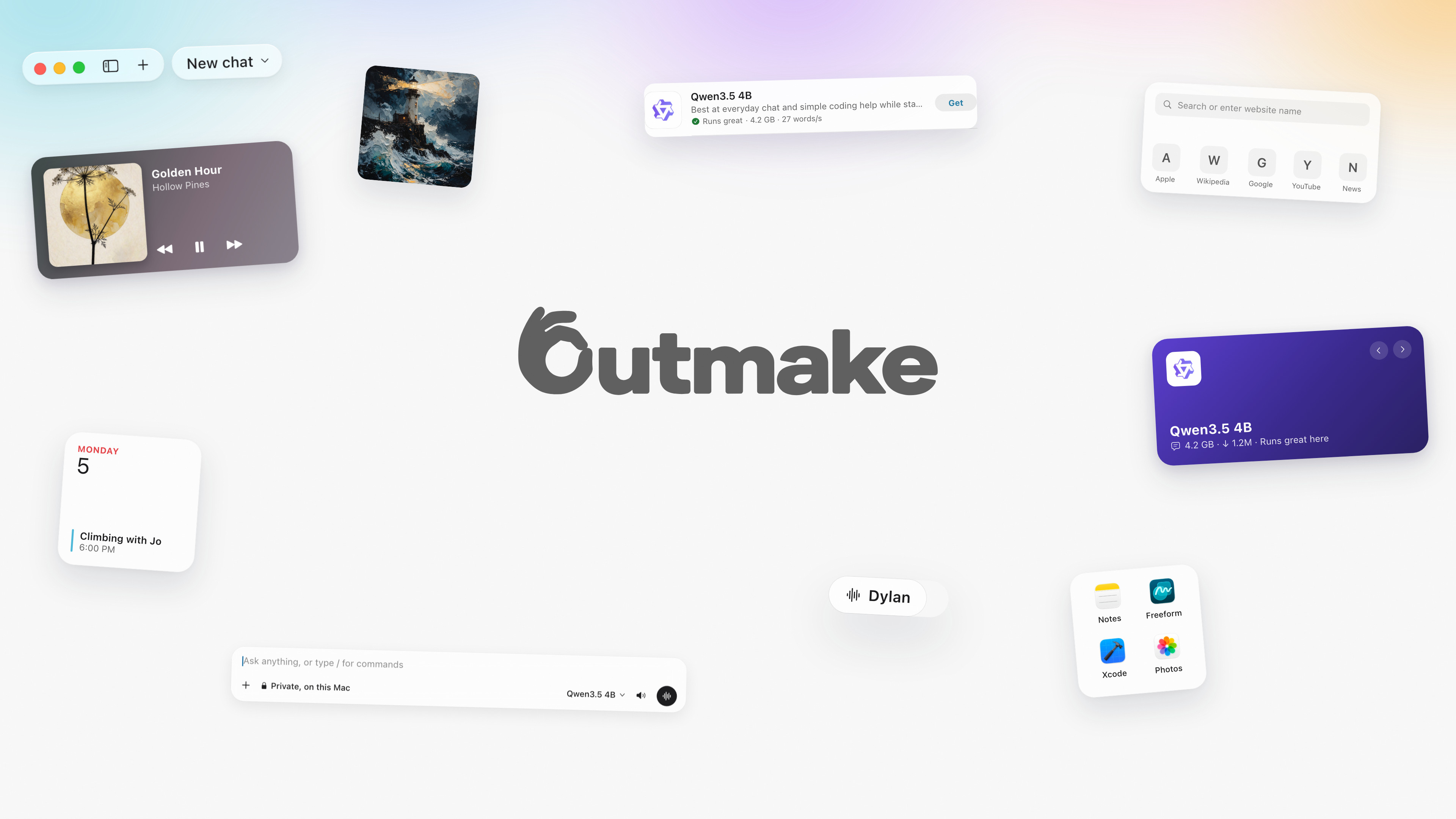
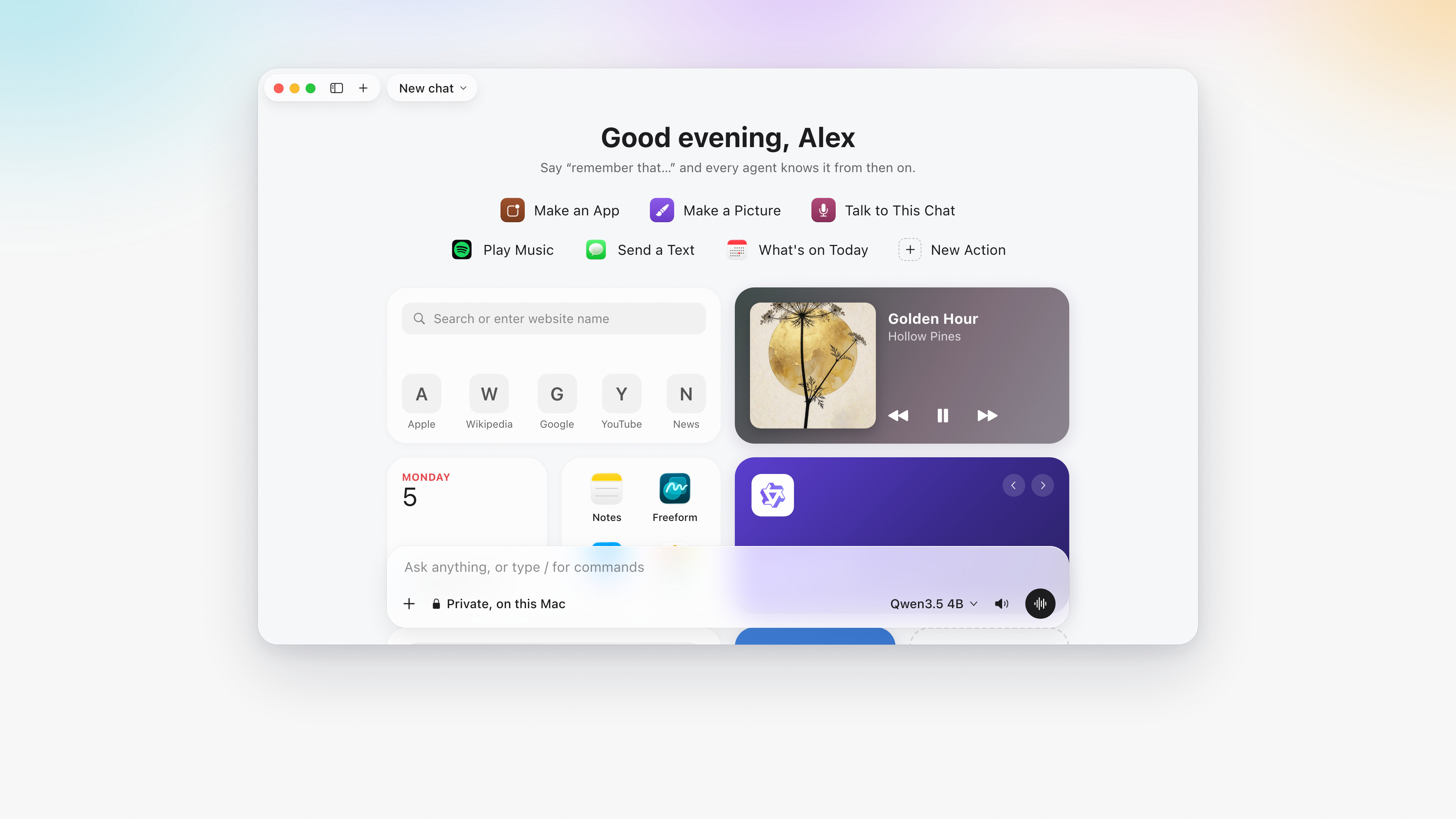
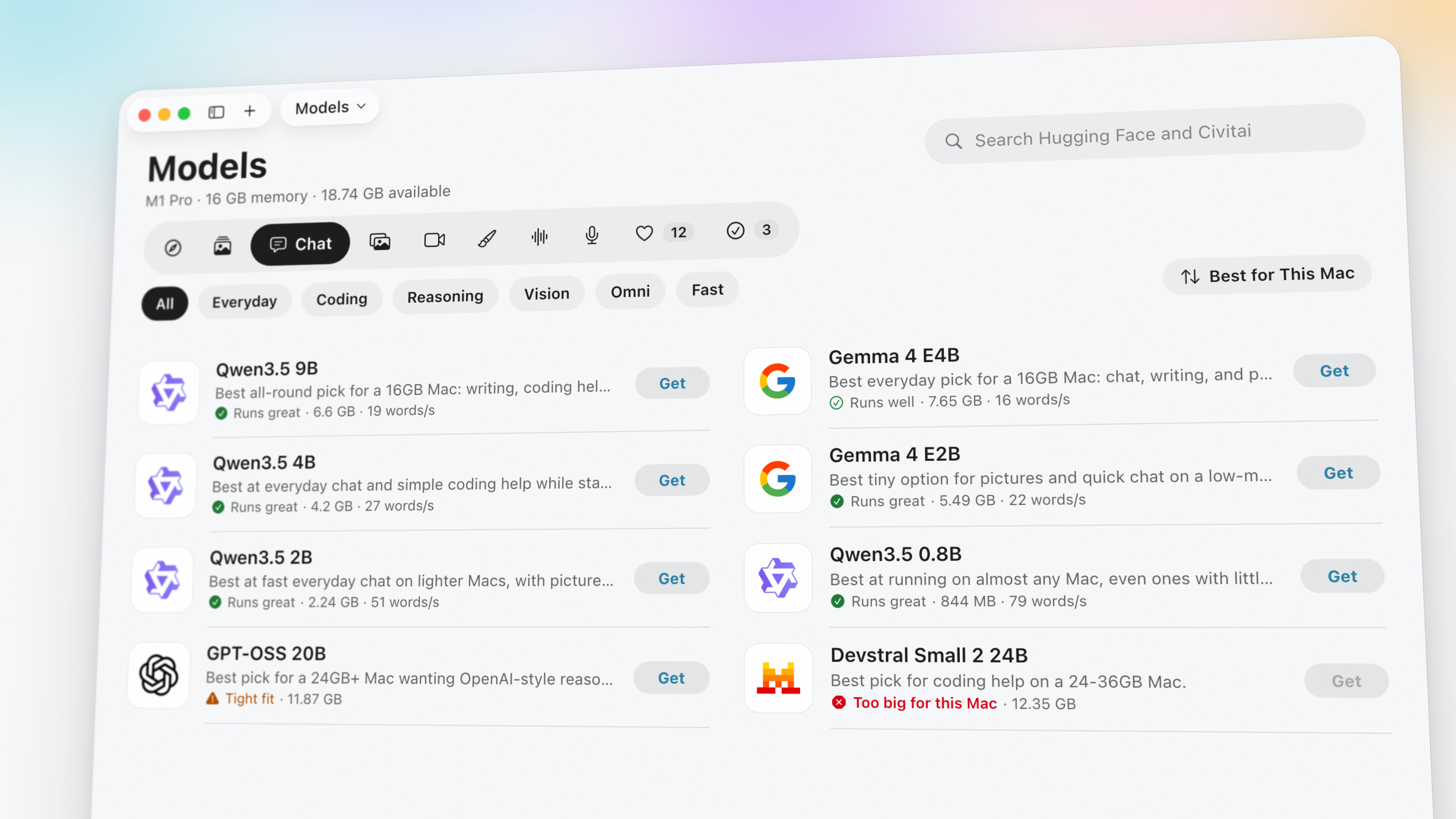
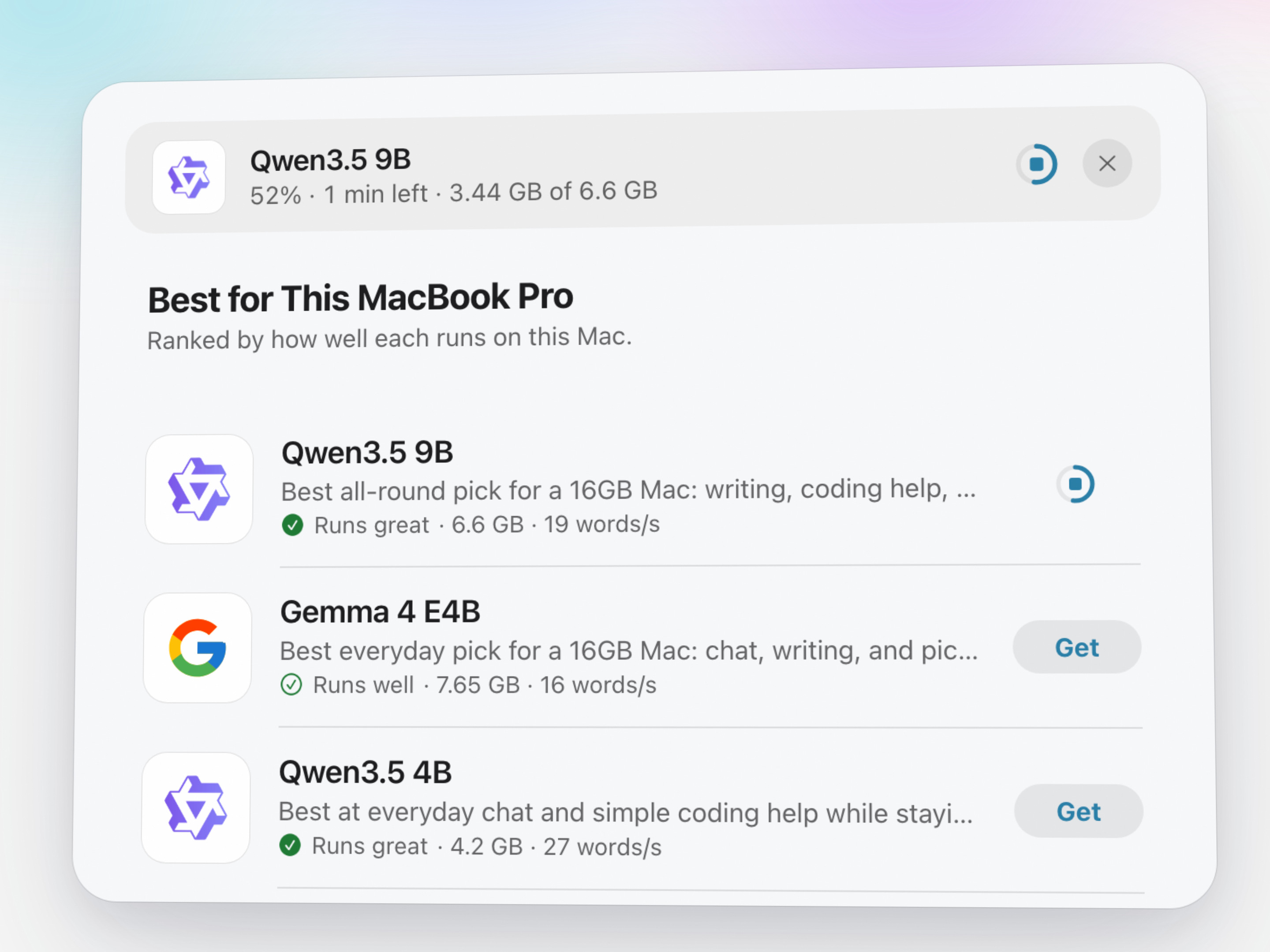
15 images, up to 3840 × 2160. Click one to download it at full size. They are drawn from the app's own design for the film and this site and are not screenshots; for a screenshot of a particular feature, ask.
Home
Models
Downloading a model
Speculative decoding
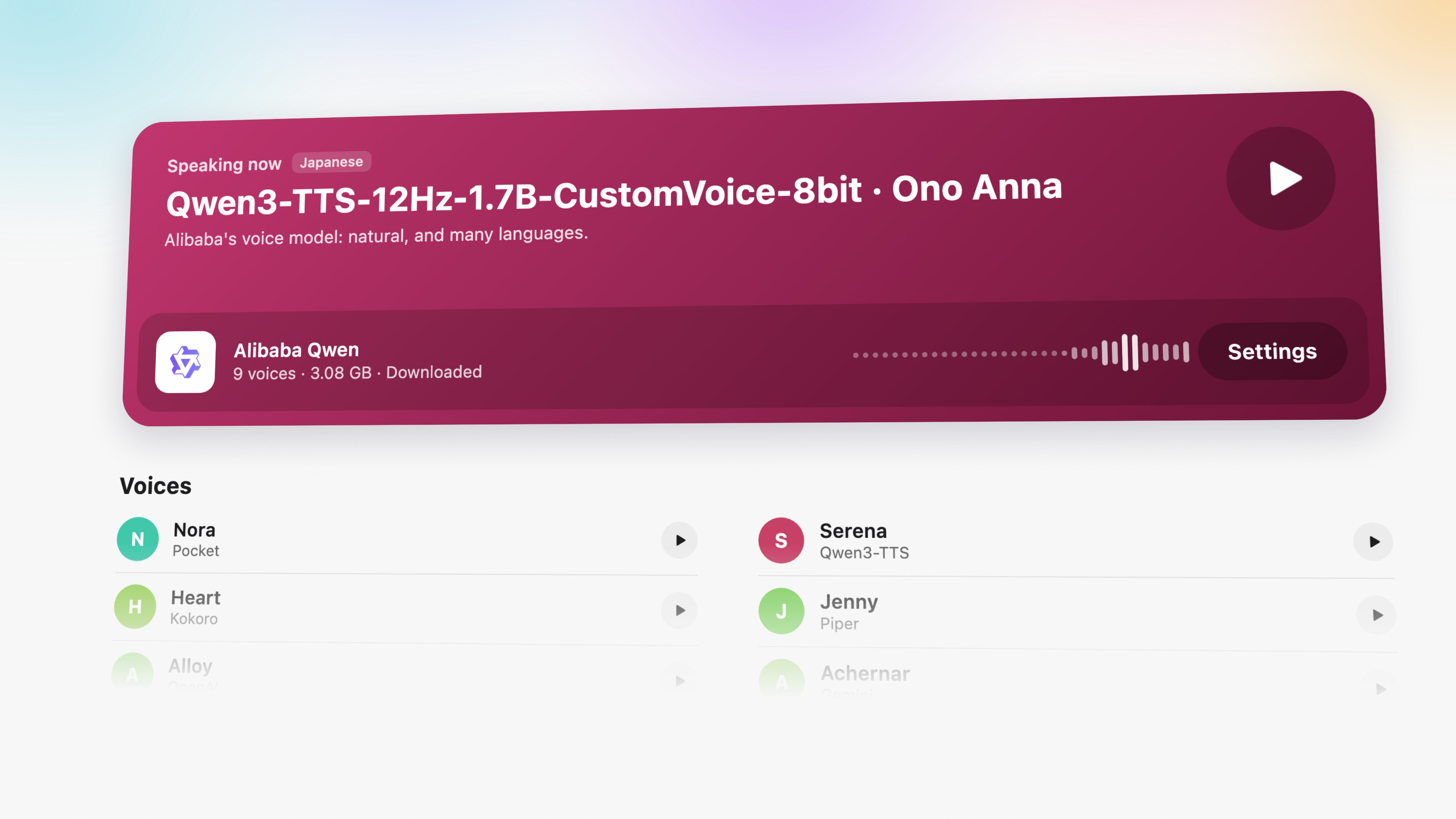
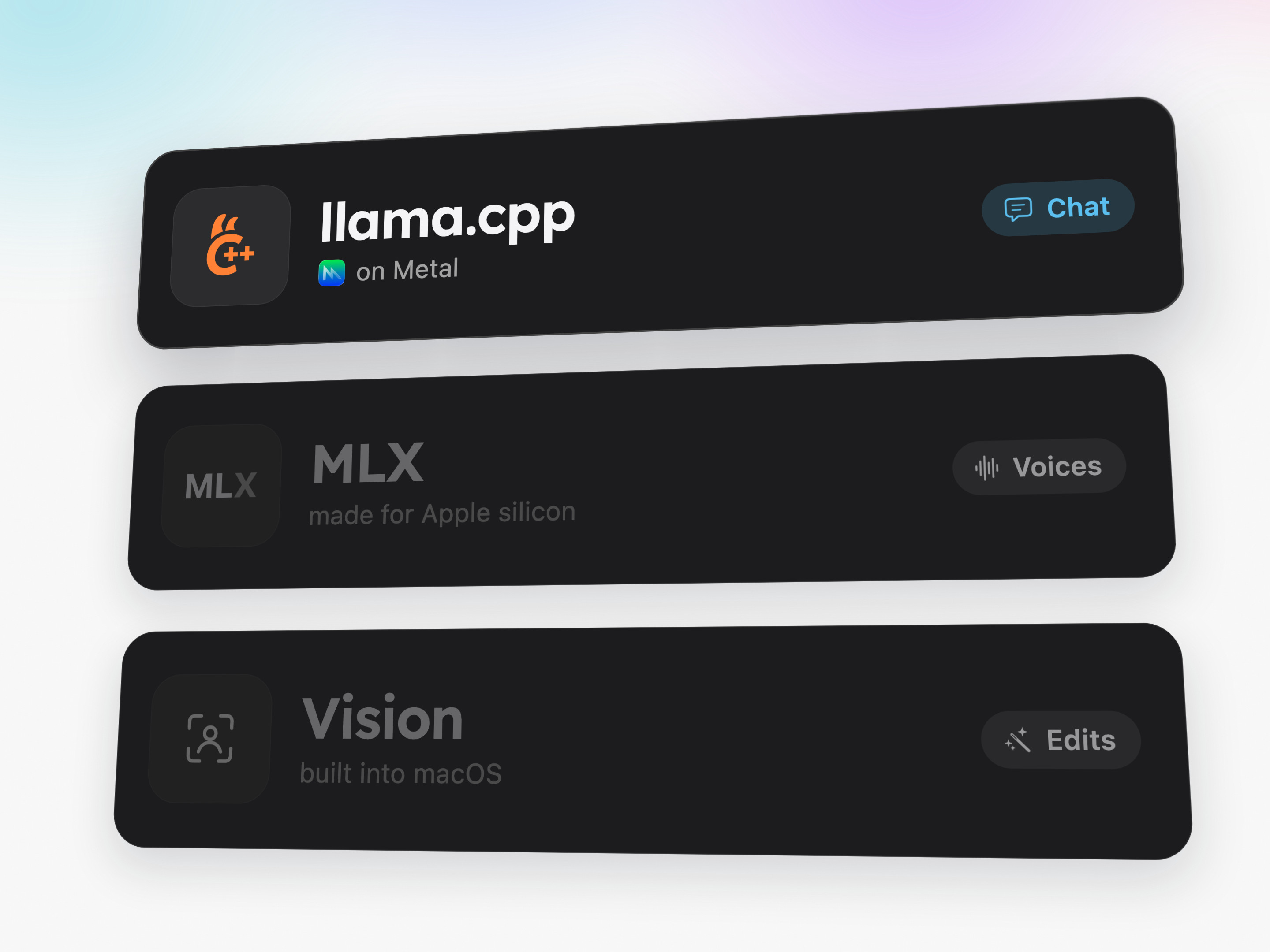
Voices
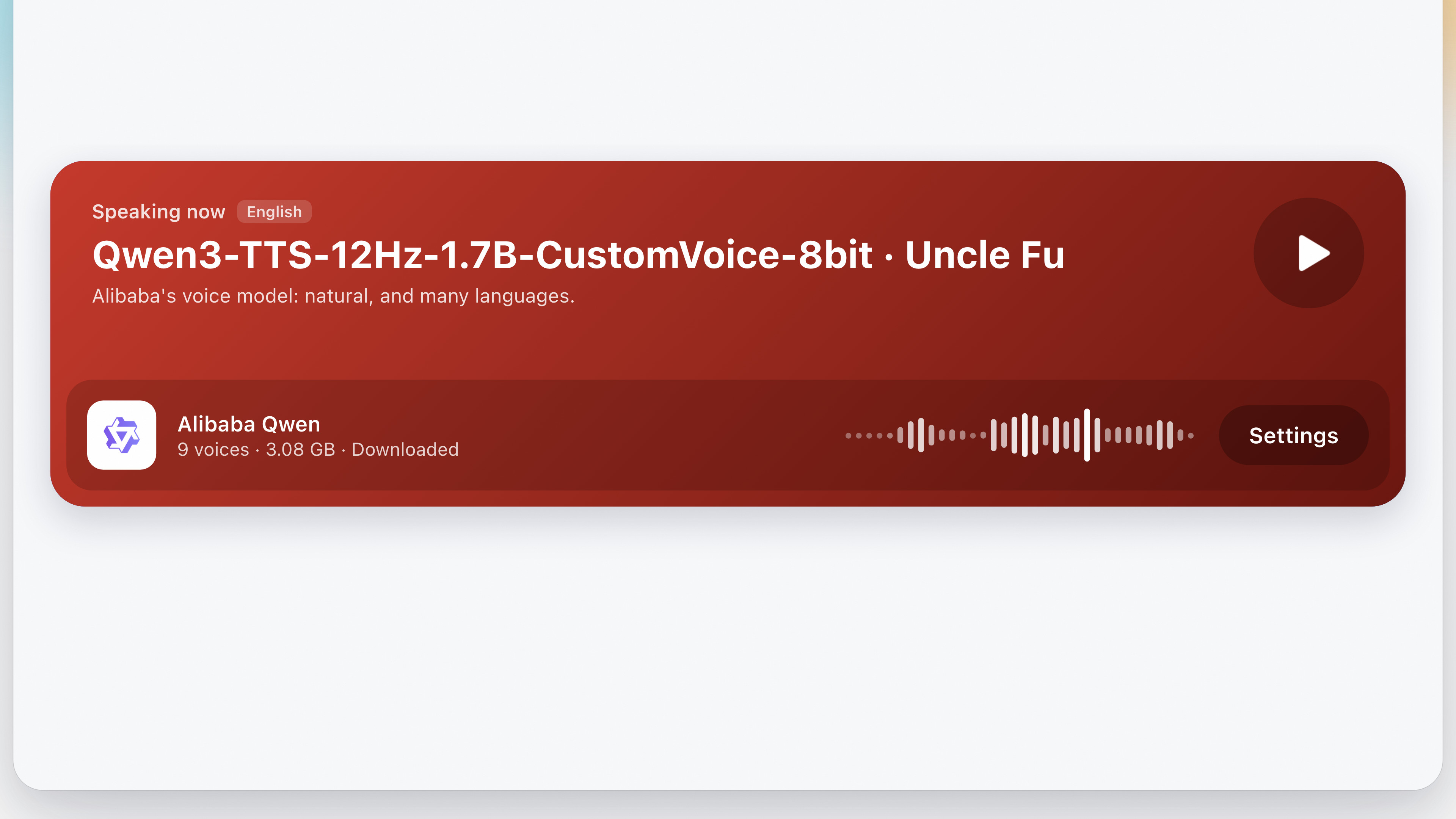
A voice, speaking
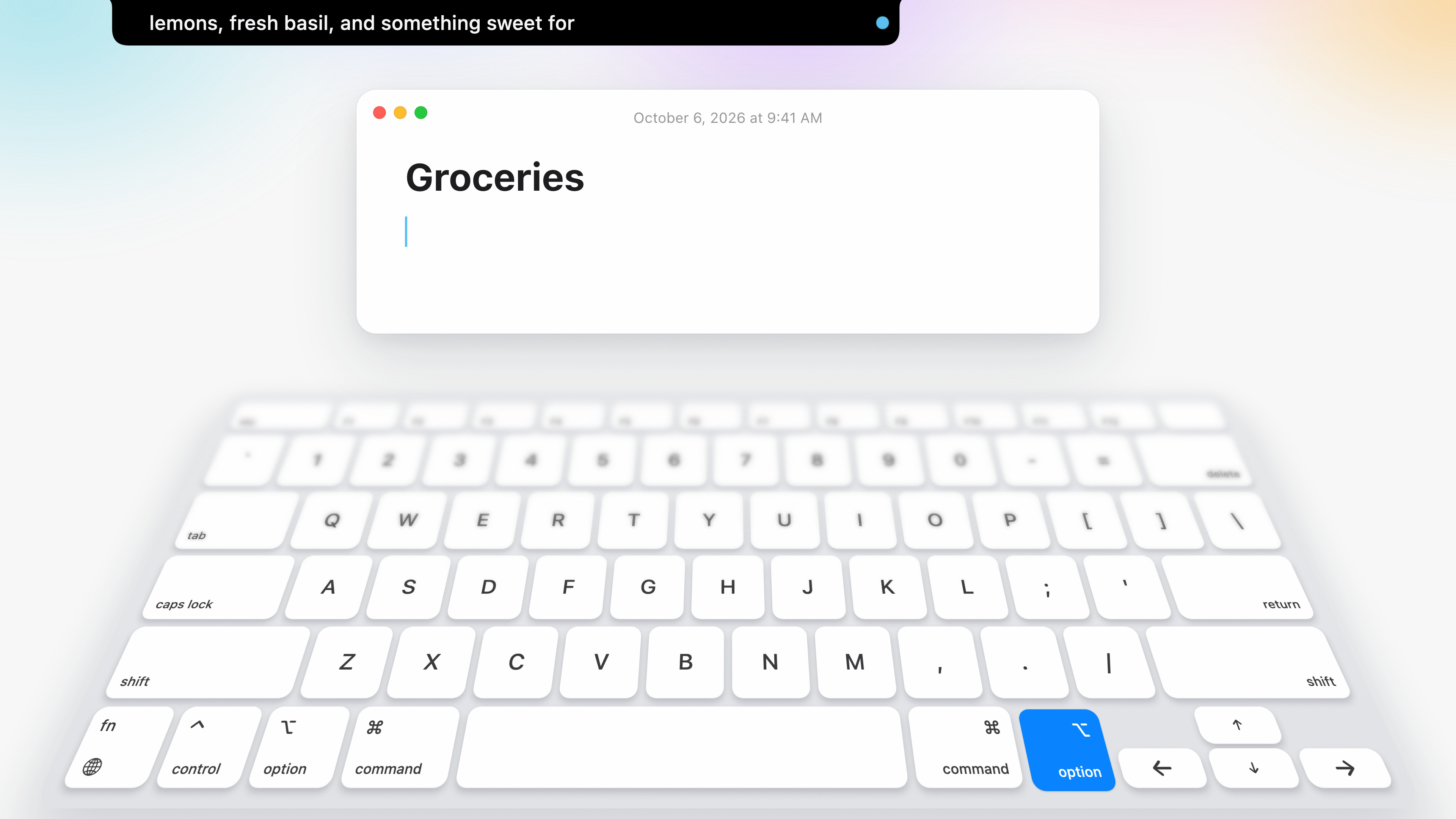
Dictation
Bring your own plan
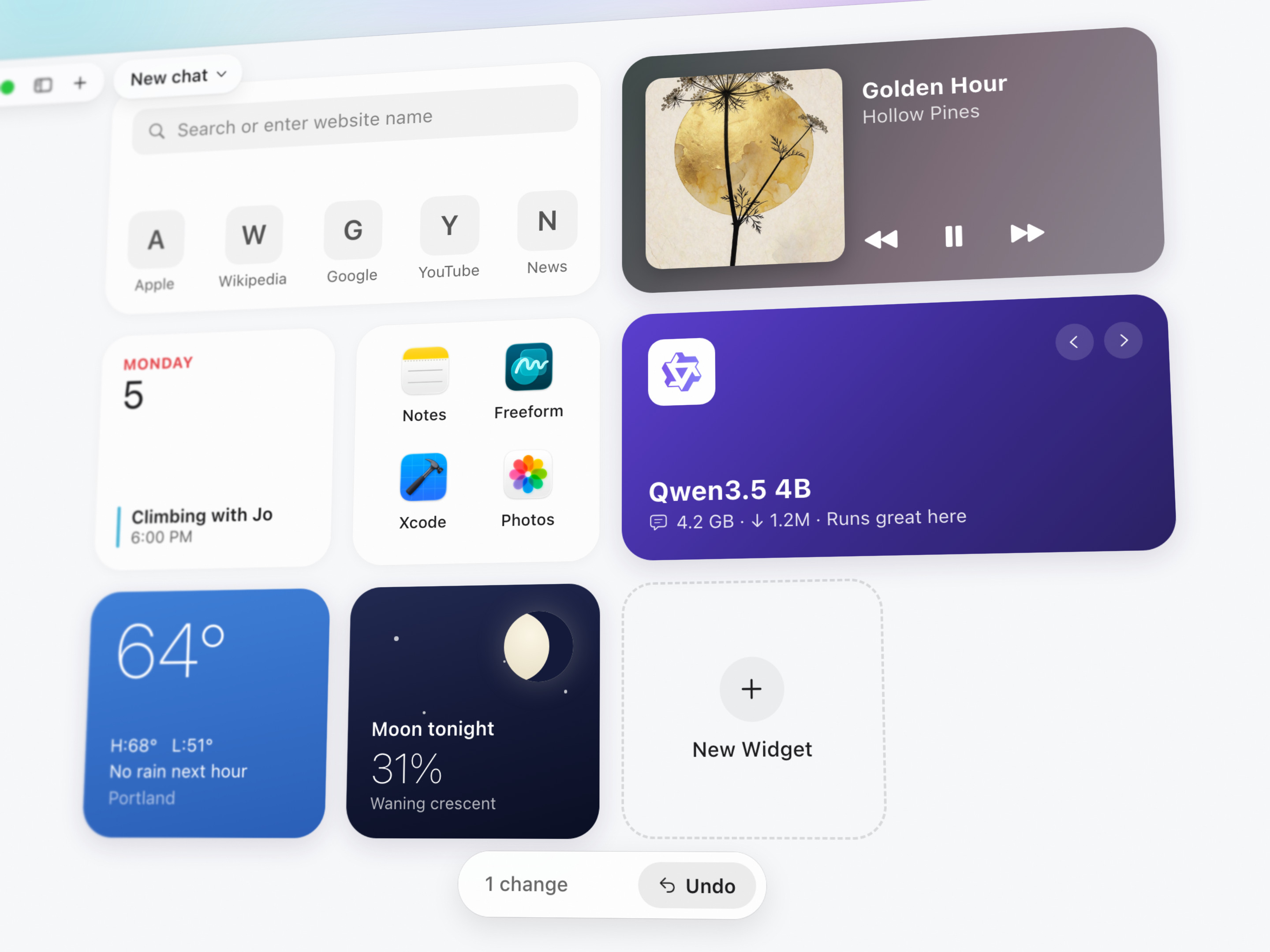
Widgets
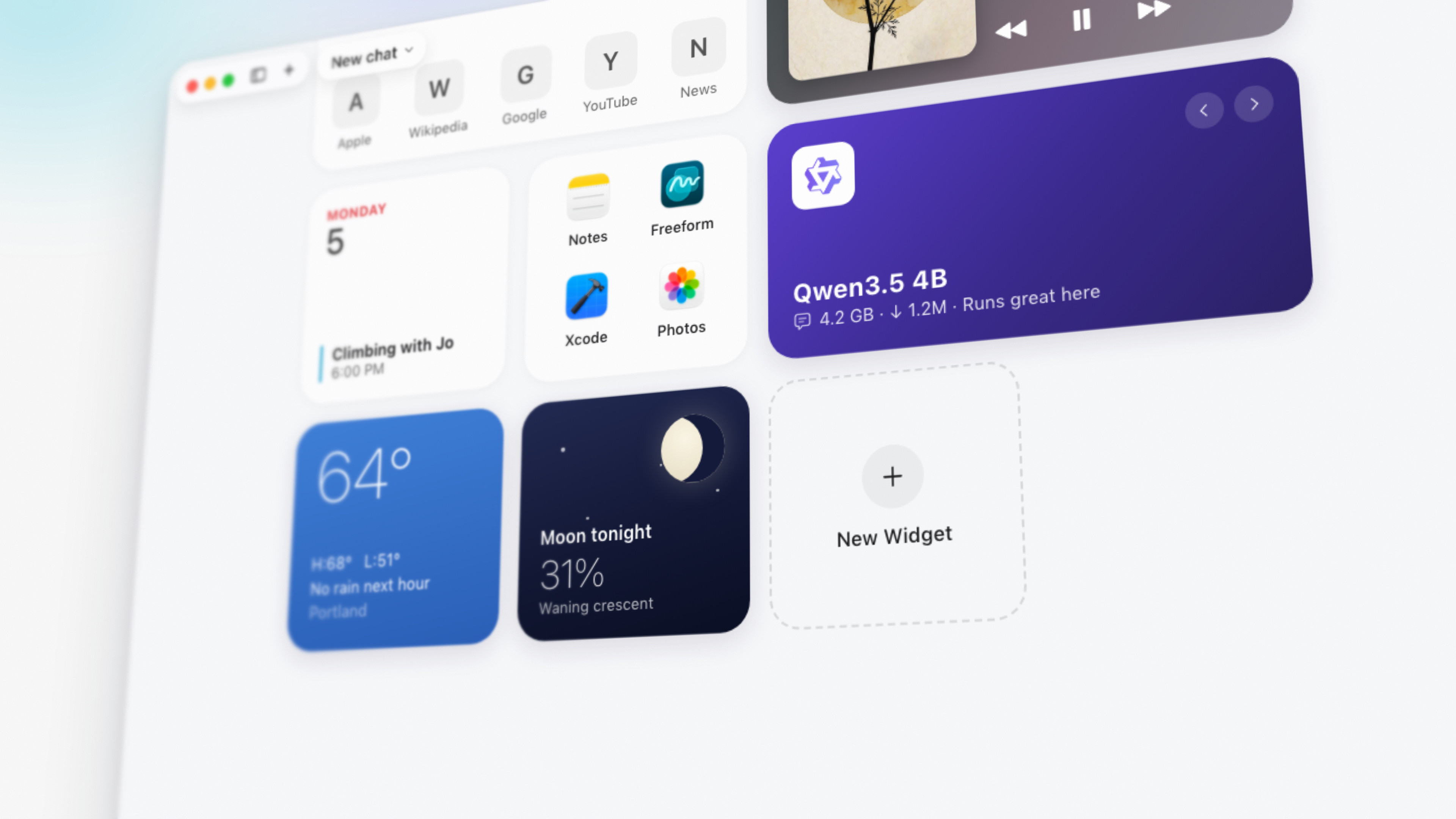
Home, up close
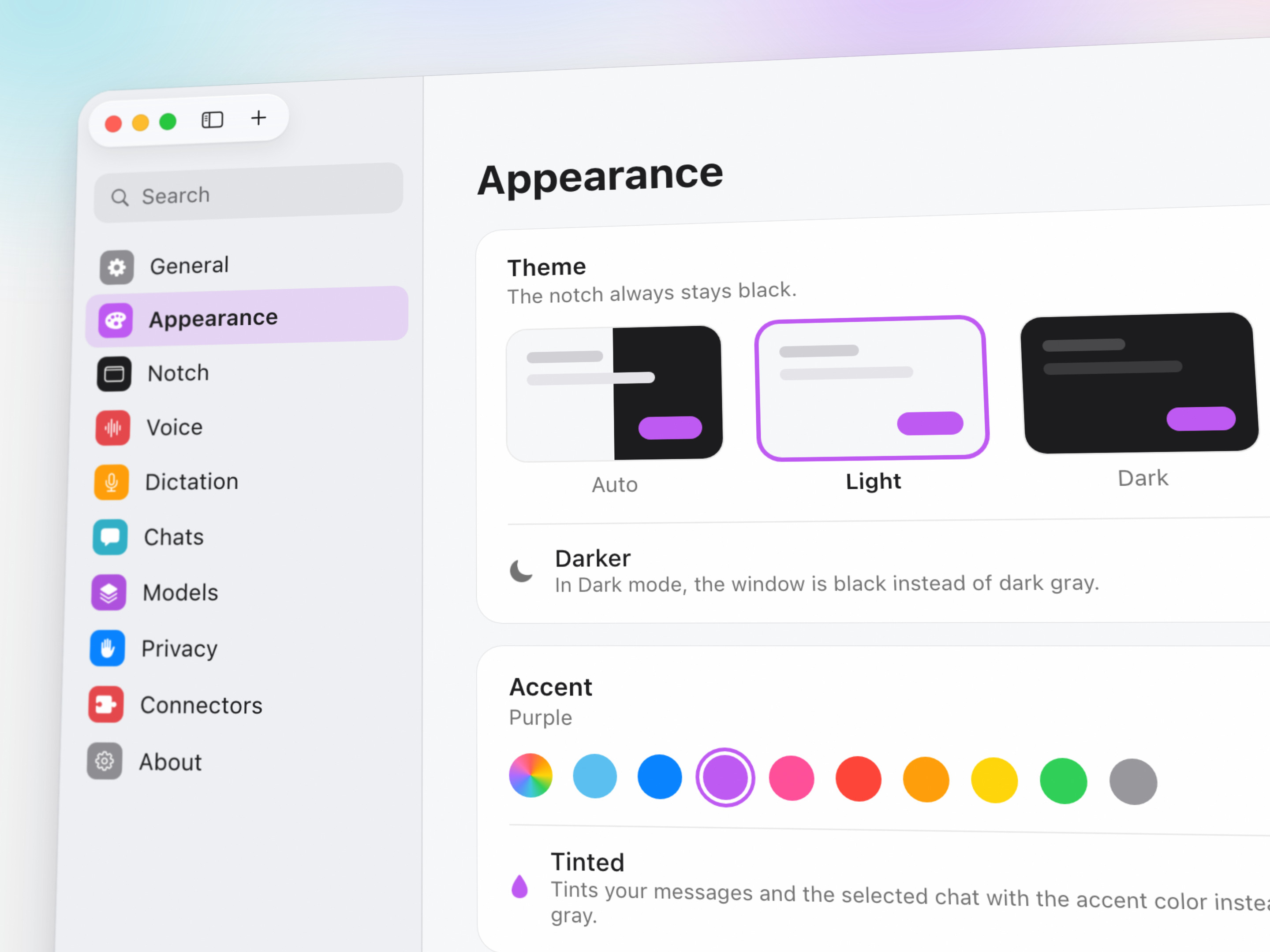
Appearance
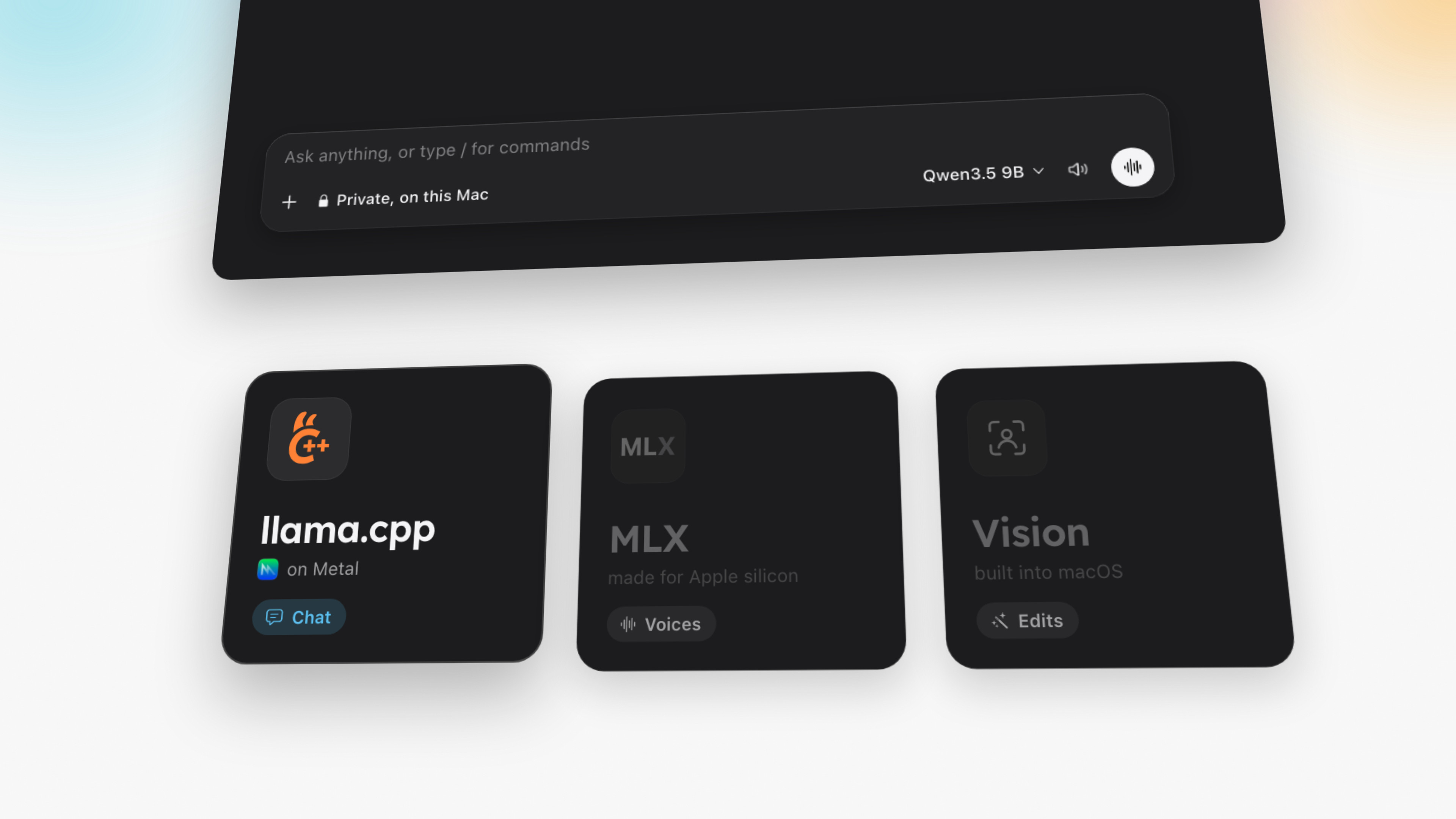
Engines
Engines, dark
Title card
Film and clips
The launch film runs 2 minutes 50 seconds. The clips are short loops with no sound, one idea each.
You may use everything on this page in coverage of Outmake, in print, online and on video, without asking. Credit “Outmake” where you credit images.
Don't alter the images or use anything here to suggest Outmake made or endorses something it didn't. Small pictures inside the app's windows, such as album art and a model's samples, were made by members of the Civitai community and are credited here.
Contact
Write to hello@outmake.app for anything this page doesn't answer: a question, an interview, a build to try, or an image that isn't here.